
Forum posts and downloads
Download a post
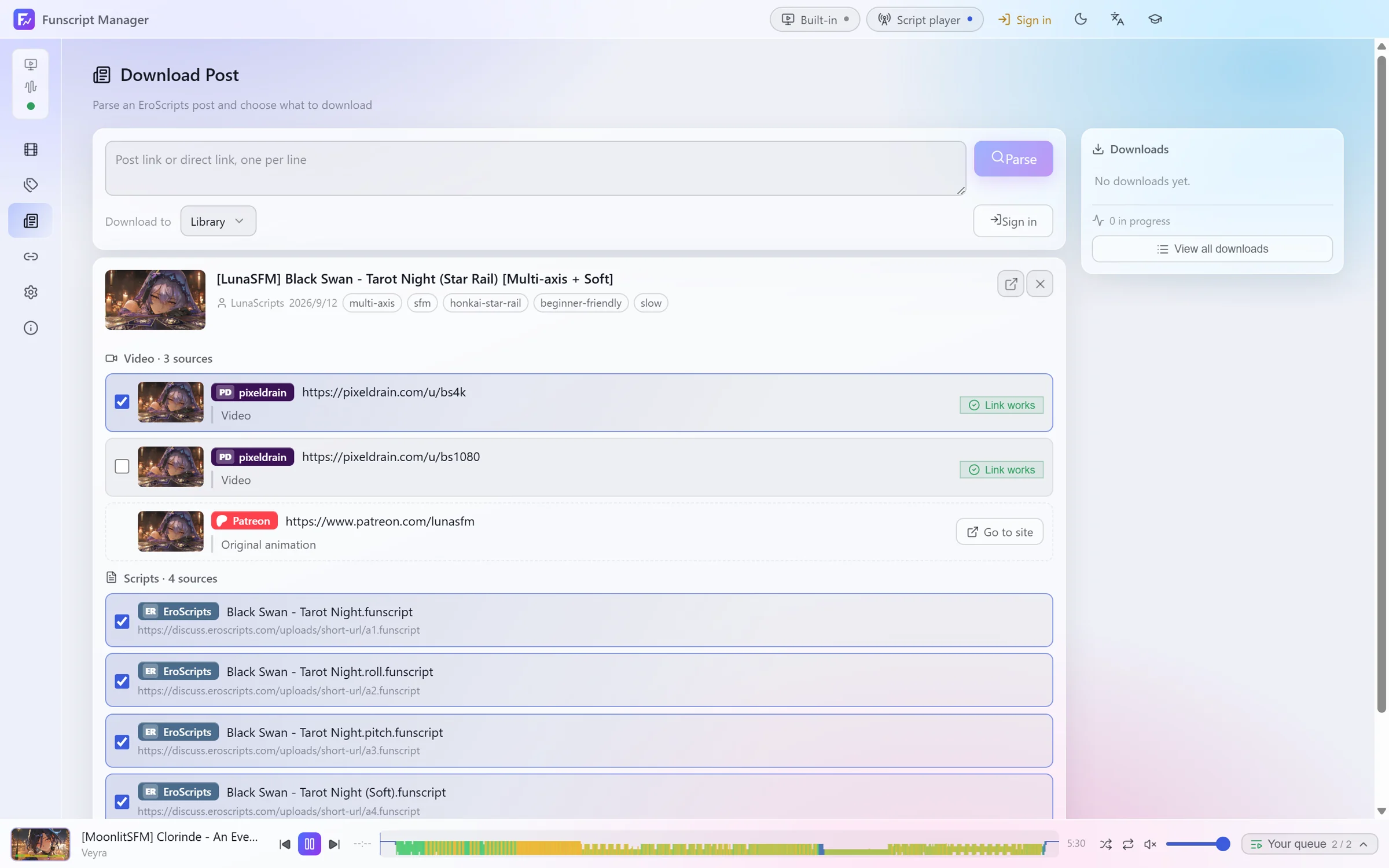
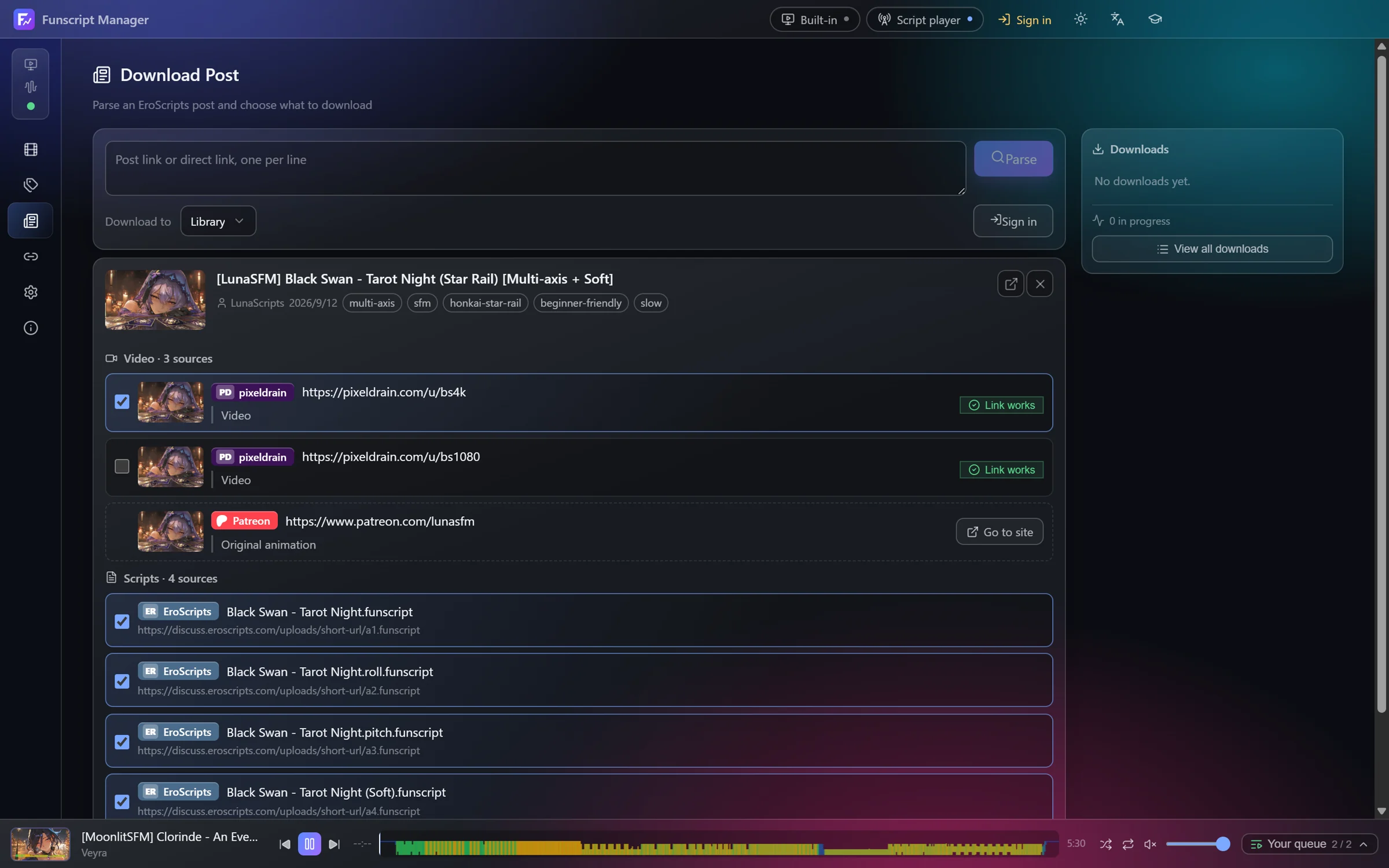
Open Download Post, paste an EroScripts post link and click Parse. The post is read and its links are sorted into Video and Scripts, including mirrors people posted in the replies.
- Links are checked in the background and marked Link works or This link is dead.
- Tick what you want, choose the library under Download to, and click Download.
- Links the app cannot fetch, such as a store page, are listed with Go to site.
When the downloads finish, the post's title, tags, author and link are filed with the video, and the scripts are attached as versions.
If the video is not available yet, Add to library, file to follow saves the scripts and metadata now. The entry waits for its video.
You can also paste direct links to files, one per line.
Supported sources
- pixeldrain, MEGA, Gofile, Google Drive, Dropbox and MediaFire
- files attached to the forum post
- several video sites, through yt-dlp
- plain direct links
Some video sites need an account for members-only videos. Sign in under Settings → General → Site sign-in. Sign-in happens on the site's own page, and only its session cookie is stored.
Most forum posts can be read without an account. For restricted posts, use Sign in at the top of the window.
The download queue
View all downloads shows every job with its progress and speed. Downloads can be paused, resumed, retried and cancelled. They resume where they left off after the app is closed and opened again.
Settings → General → Downloads sets the preferred video quality. Network sets a proxy and a speed limit.
Matching existing videos to posts
Videos you already had don't know which post they came from. Post match searches the forum for each entry and lists the likely posts for you to confirm. A confirmed post fills in tags, authors and links without replacing anything you set.
For a single video, open it and use Find the post on the Source tab.