
Getting started
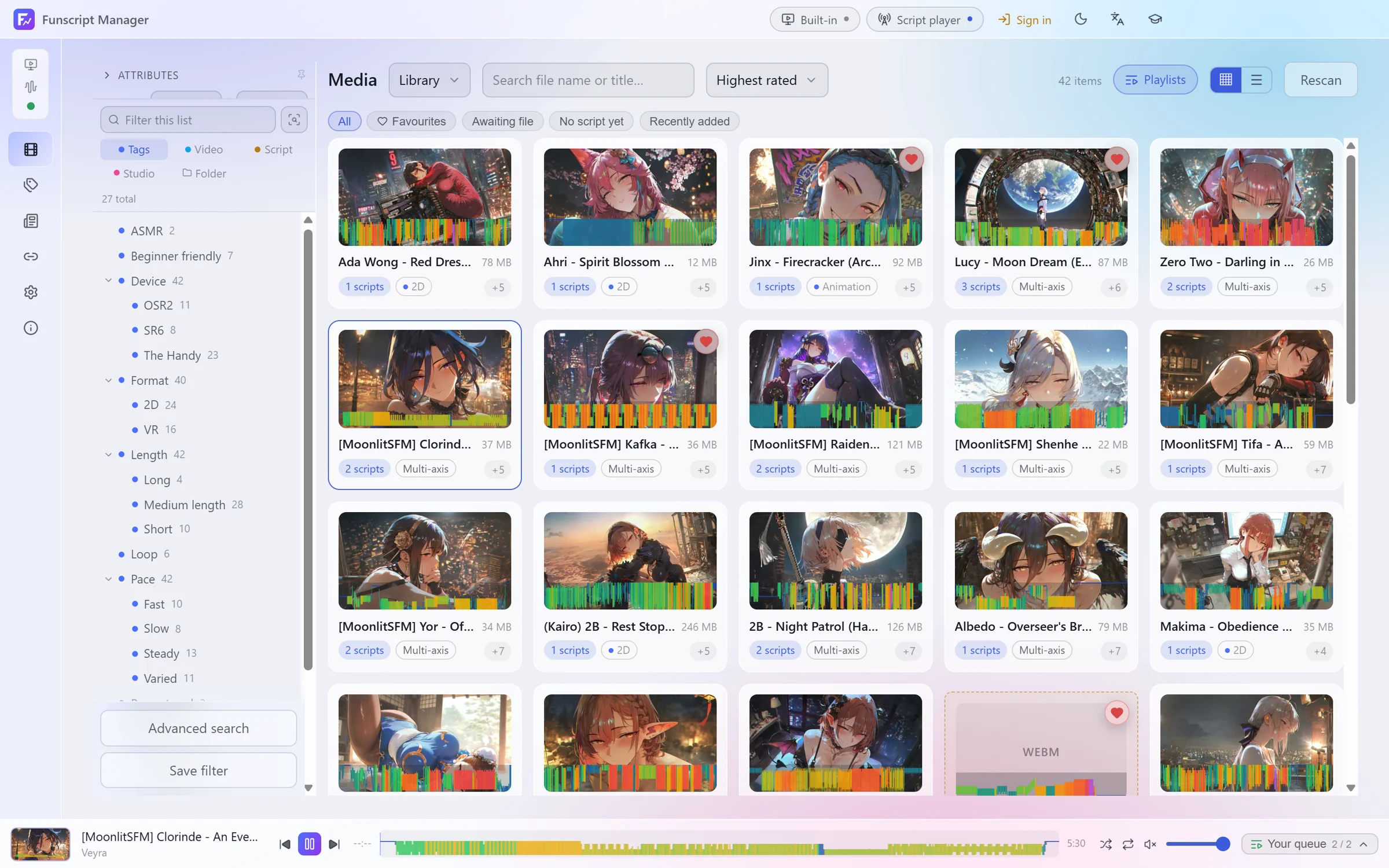
Funscript Manager does the whole job in one app: it keeps your library in order, plays the video, and drives your device from the script. Videos stay together with everything that belongs to them: script versions, extra axes, subtitles, tags and where they came from.
This page takes you from download to your first synced playback.
Install
Download the latest release from GitHub. There are two ways to run it:
- Setup installs the app for your user.
- Portable is a zip you can unpack anywhere.
The app runs on Windows 10 and 11.
First run
On first start the app offers to download two helper programs:
- yt-dlp, used for downloads from video sites
- ffmpeg, used for thumbnails, reading video info and joining video and audio
You can skip this and install them later under Settings → General → Dependencies, or point the app at copies you already have.
Add a library
A library is a folder on disk. Open Tag & Libraries and click Add Library, then pick the folder that holds your videos and scripts. Subfolders are included.
The folder is scanned and then watched: files you add, rename or remove later are picked up on their own. Scripts and subtitles next to a video are attached to it automatically. See Libraries and scripts for how files are matched.
Play something
Click a video to open its details, then Play. It plays in the built-in player unless you choose another one, and the built-in script player drives your device from the default script version.
To connect a device, click Script player in the top bar and use Add output. See Devices and the script player.
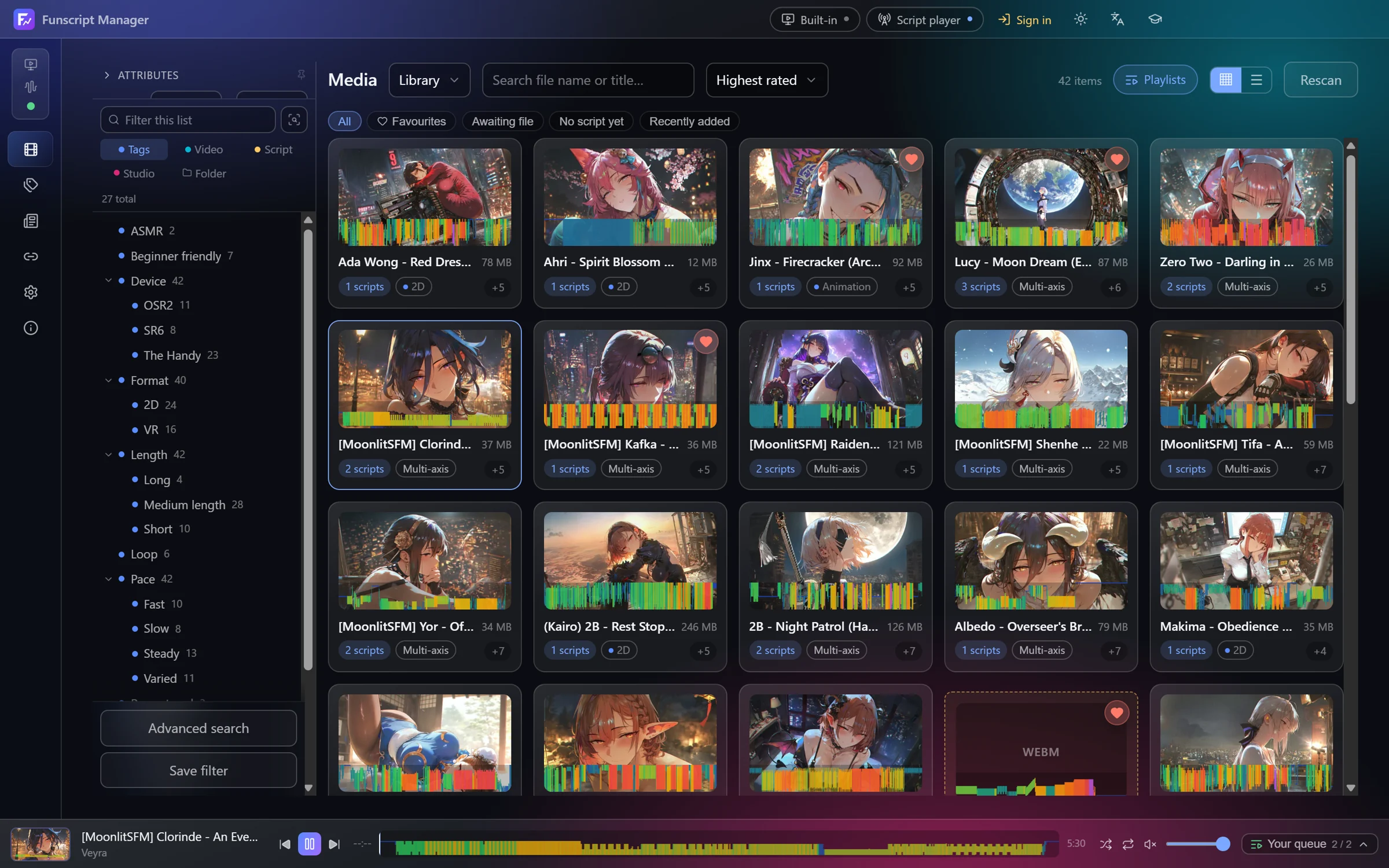
Change the language or theme
Under Settings → General → Interface you can choose English, 中文, 日本語, Deutsch or Français, and a light, dark or system theme. Settings → Appearance lets you change the colours.