
Tags, filters and playlists
Names you can give a video
Every video can carry:
- Tags
- Video authors, whoever made the video
- Script authors, whoever made the scripts
- Studios
- Playlists
plus a rating and a favourite mark. Edit them on the video's details, or select several videos and use batch edit to add or remove tags, set ratings and favourites for all of them at once.
Organise
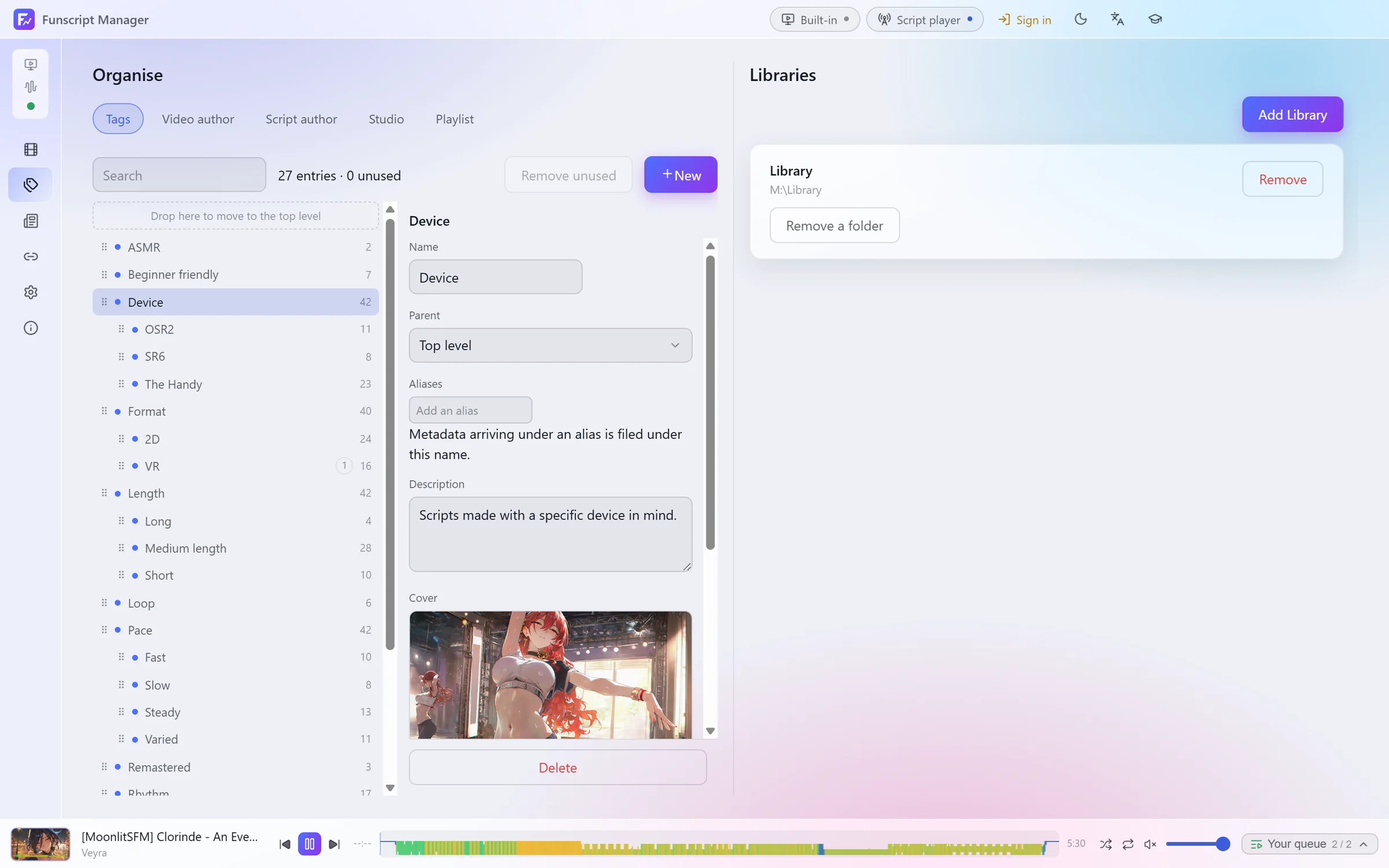
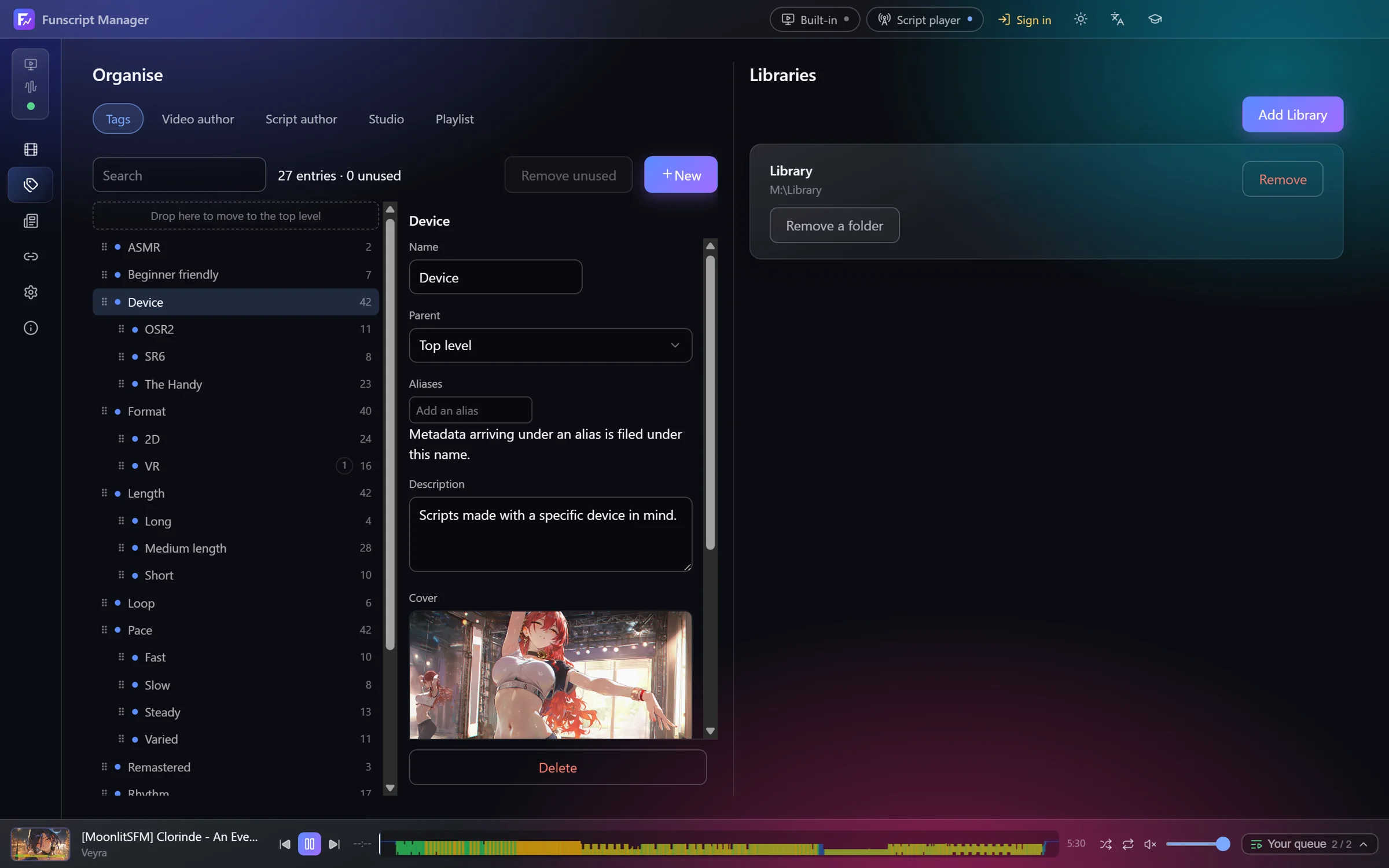
Tag & Libraries → Organise lists every name by kind. Select one to:
- give it a parent, so
SR6can sit underDevice, and drag entries to rearrange the tree - add aliases; metadata arriving under an alias is filed under this name
- write a description and choose a cover image
- merge it into another entry, which keeps the old name as an alias
- delete it, which removes it from every video that has it
Remove unused clears out names no video uses any more.
Finding videos
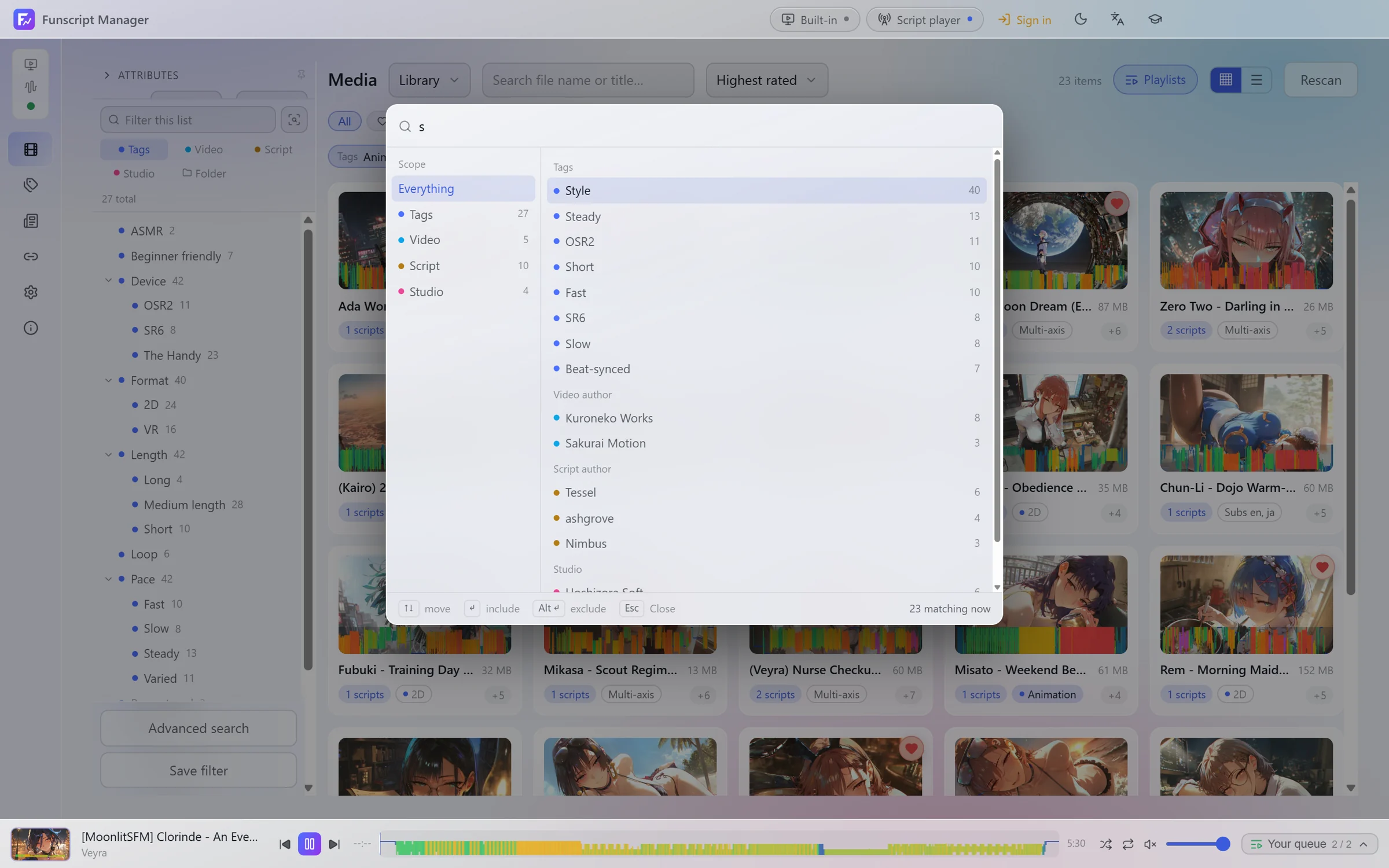
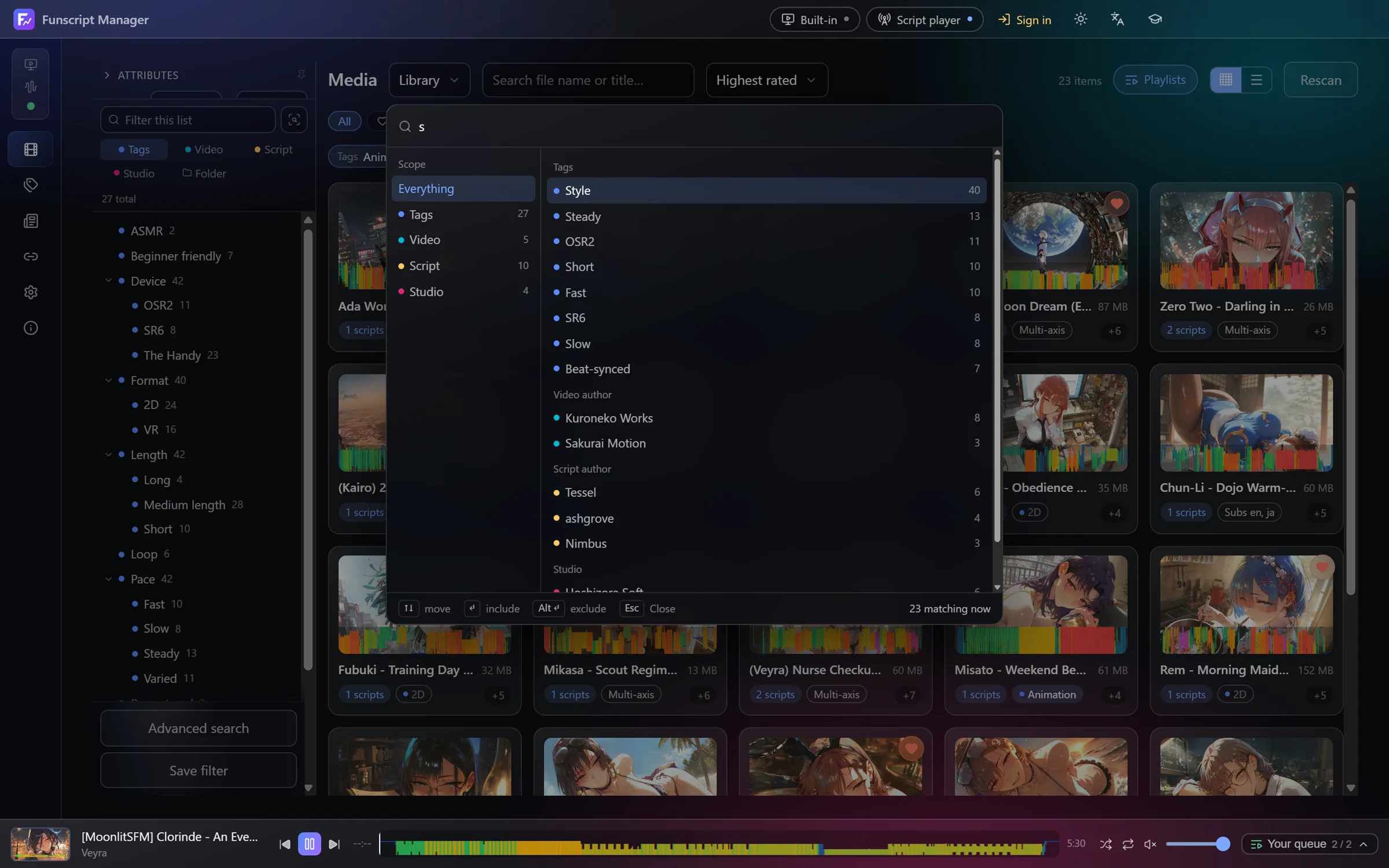
The sidebar on the media page lists tags, authors, studios and folders with counts. Click one to narrow the list. Filtering by a parent tag includes its children.
- Ctrl K searches every kind of name at once. Enter includes the highlighted entry, Alt + Enter excludes it.
- The quick filters above the grid show Favourites, Awaiting file, No script yet and Recently added.
- Advanced search builds nested conditions: any field, and groups matching all or any of their conditions. Save filter keeps a search for later.
Playlists
Playlists on the media page opens your lists. A playlist keeps its own order, which you set by dragging. From there you can play, shuffle or repeat a list, duplicate it, or export it as .m3u.
The queue at the bottom right is separate: add videos to it from their right-click menu, and save it as a playlist when you like the result.