
Devices and the script player
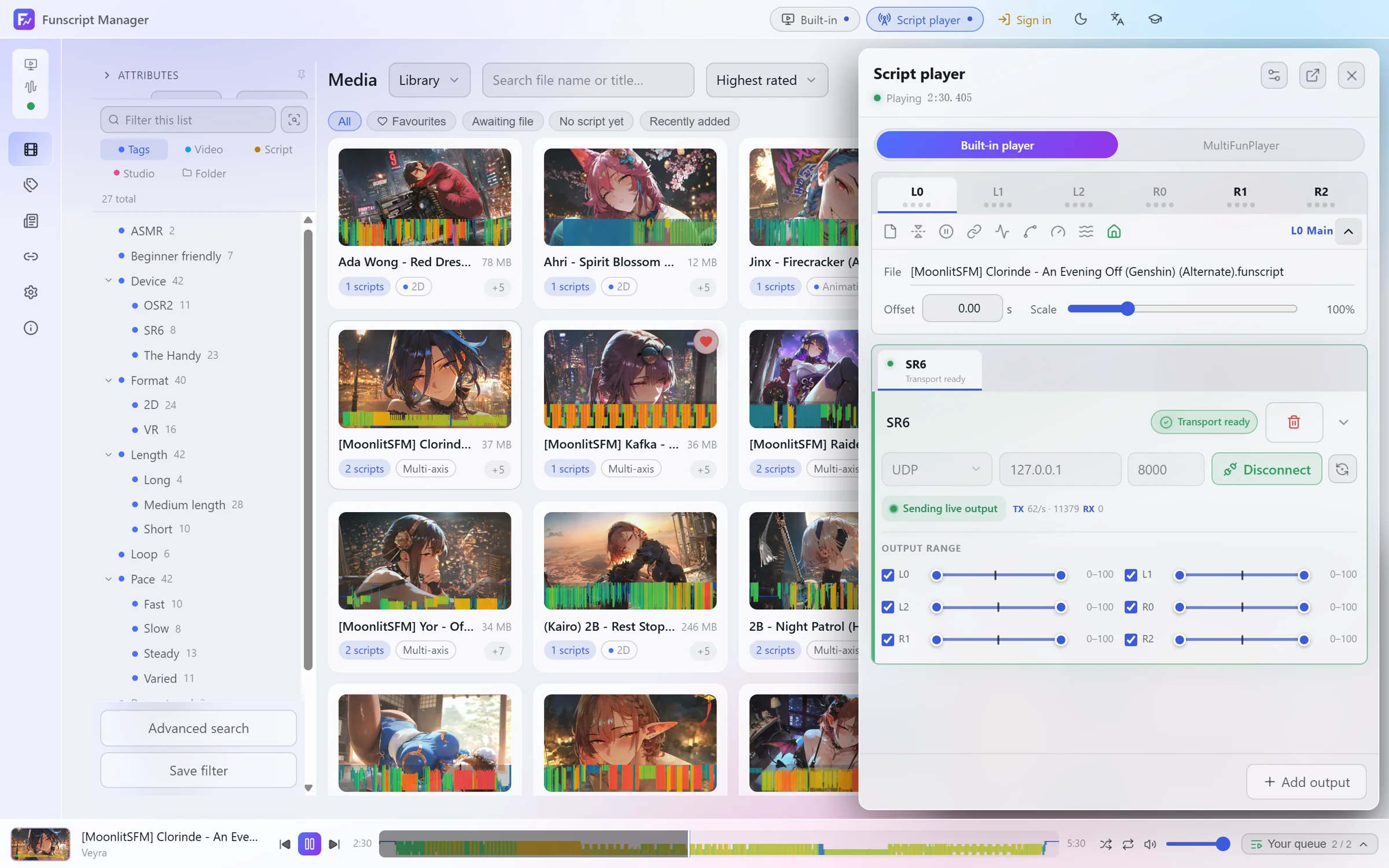
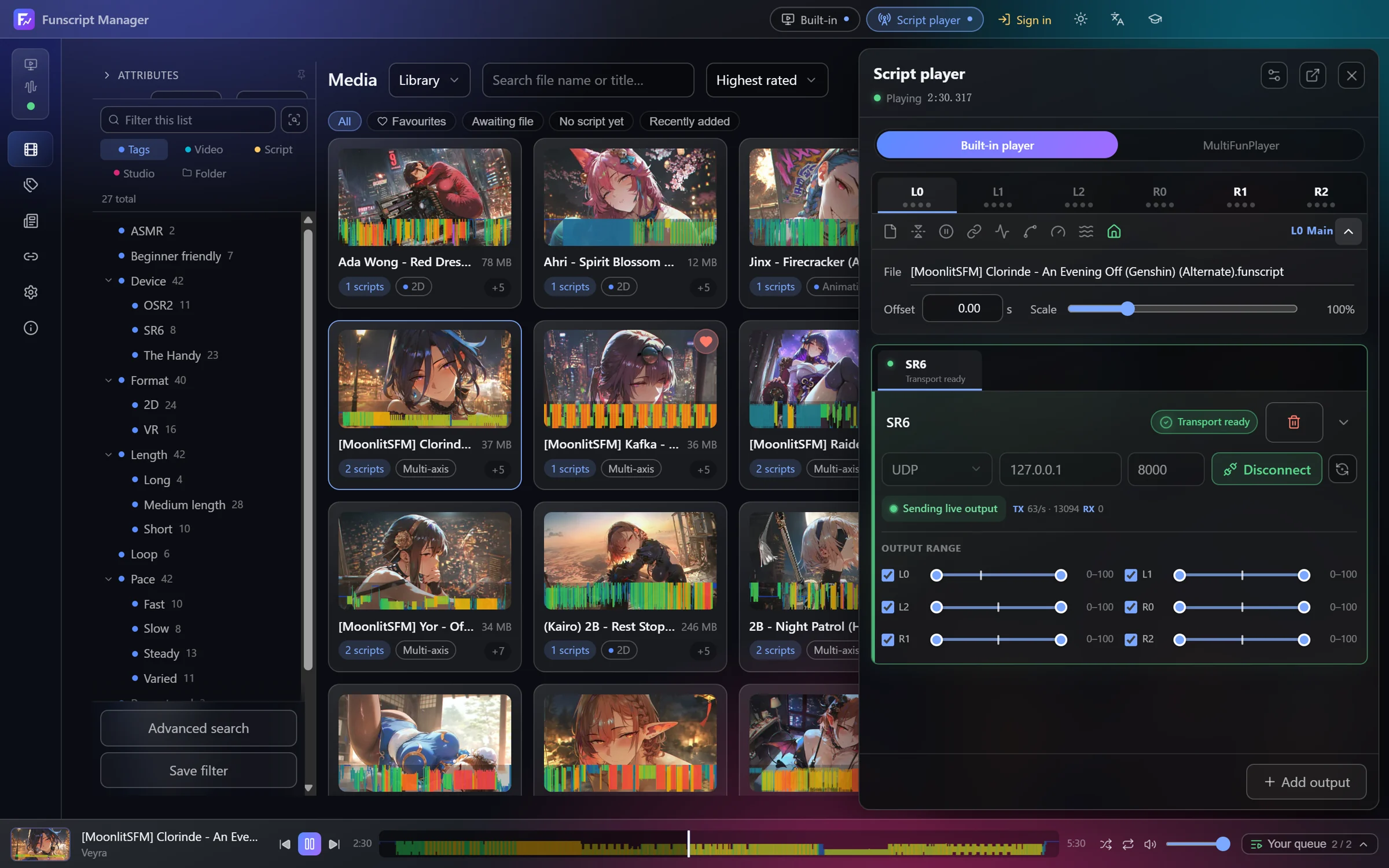
Click Script player in the top bar to open it. It follows whatever is playing and drives your devices from the chosen script version. No other software is needed.
Connecting a device
Click Add output and choose a connection:
| Output | Use it for |
|---|---|
| TCode Serial | devices on a USB serial port, such as OSR2 and SR6 |
| TCode UDP / TCode TCP | devices on your network |
| TCode WebSocket | devices or bridges that take TCode over WebSocket |
| The Handy | The Handy, with its connection key |
Fill in the port or address and click Connect. Auto-connect this output reconnects it the next time the app starts. The Handy output is experimental, so check its range before playback.
Each output has an Output range per axis. Narrow it if a device should use only part of its travel.
Axes
The tabs across the top are the six axes: L0 main, L1 surge, L2 sway, R0 twist, R1 roll and R2 pitch. Each axis has its own settings:
- Offset and Scale for the script on that axis
- Interpolation, the smoothing between points
- Speed limit and Return to centre
- Link script, to drive this axis from another axis's script
- Motion provider, to fill an axis with a random, pattern, custom curve or looping motion, blended with the script or filling gaps in it
- Smart limit, to limit one axis's speed or range depending on where another axis is
Device offset moves all outputs earlier or later to match your device's delay.
Using MultiFunPlayer instead
The switch at the top of the script player chooses who gets the script: the Built-in player or MultiFunPlayer. Only one can hold the device at a time.
For the MultiFunPlayer route, install the plugin under Settings → Playback → MultiFunPlayer. The plugin lets the app load the exact version you picked into MultiFunPlayer, then restart MultiFunPlayer. Turning on auto-connect and auto-start in MultiFunPlayer lets it follow playback on its own.
If you prefer not to install the plugin, register the folders listed there under MultiFunPlayer's Settings → Script libraries instead.